Fix “VCRUNTIME140.dll is Missing” Error When Opening Office
If you encounter the error “VCRUNTIME140.dll is missing” when launching Microsoft Office applications like Word or Excel, it indicates that your system lacks a necessary runtime component.
🔍 What Is VCRUNTIME140.dll?
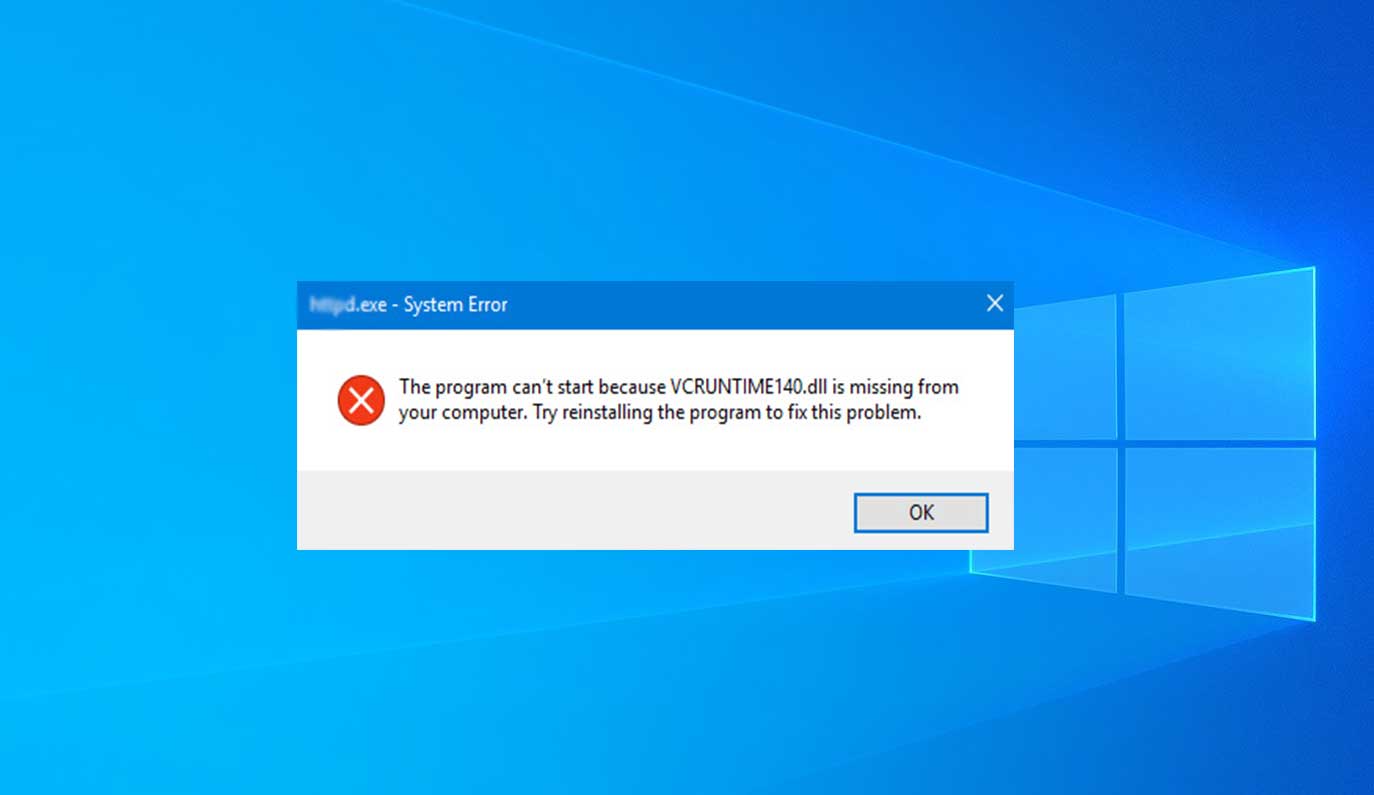
This file is part of the Microsoft Visual C++ Redistributable package. It's essential for running applications developed with Visual Studio, including Microsoft Office. The error typically arises due to:
Missing or corrupted Visual C++ Redistributable files
Incomplete or failed Office installations
System file corruption
✅ How to Fix It
Take a look at this video:
Follow these steps to resolve the issue:
Download the Latest Visual C++ Redistributable:
Visit the official Microsoft page: https://learn.microsoft.com/en-us/cpp/windows/latest-supported-vc-redist
Download both the x64 and x86 versions of the installer.
Install the Redistributable Packages:
Run the downloaded installers one by one.
Follow the on-screen instructions to complete the installation.
Restart Your Computer:
After installation, reboot your system to apply the changes.
Launch Microsoft Office:
Open any Office application to verify that the error has been resolved.
🛠 Additional Troubleshooting
If the error persists after following the above steps:
Run System File Checker (SFC):
Open Command Prompt as an administrator.
Execute the command:
sfc /scannowWait for the scan to complete and follow any on-screen instructions.
Reinstall Microsoft Office:
Uninstall Office from your system.
Download the latest installer from the official Microsoft website.
Install Office and check if the issue is resolved.
📩 Need Further Assistance?
If you're still experiencing issues, please contact our support team:
Email: [email protected]